

In today’s fast-paced digital environment, rapid access to accurate and verifiable information is essential. Perplexity AI has quickly emerged as one of the most efficient tools for research, analysis, and knowledge discovery. Its ability to provide concise, citation-rich responses has made it a preferred choice for professionals, researchers, students, and decision-makers.
This comprehensive guide explains how Perplexity AI works, outlines its available models, highlights key features, and provides practical prompts to help you integrate the platform into your daily workflow.
What Is Perplexity AI?
Perplexity AI is an advanced AI-powered research assistant designed to deliver real-time, evidence-based information. Unlike traditional AI chatbots that rely primarily on static datasets, Perplexity retrieves data from live sources, ensuring responses are current, factual, and well-cited.
It serves individuals across a wide range of fields, including:
- Business and market analysis
- Academic and scientific research
- Strategic planning
- Policy and regulatory monitoring
- Content development
The platform combines the functionality of a search engine, research assistant, and analytical tool making it a transformative asset for anyone who values efficiency and accuracy.
Perplexity AI Models: An In-Depth Overview

Perplexity AI supports multiple high-performance models, each optimized for different types of tasks. Understanding the strengths of each model will help you select the most suitable one for your needs.
1. Sonar in Perplexity AI
- Perplexity’s proprietary model
- Optimized for speed and citation-rich web searches
- Ideal for gathering up-to-date, fact-based information rapidly
Best for: news updates, policy summaries, and quick research.
2. Claude Sonnet 4.5
- A balanced model developed by Anthropic
- Offers strong reasoning and coherent structured writing
- Performs well with detailed explanations
Best for: essays, documentation, and structured content.
3. Claude Sonnet 4.5 Thinking
- Enhanced reasoning version of Sonnet 4.5
- Slower but more analytical, suitable for multi-step logic tasks
Best for: strategic thinking and complex analytical reports.
4. Claude Opus 4.1 Thinking
- Anthropic’s highest-tier reasoning model
- Exceptional for long-context accuracy and deep problem-solving
Best for: legal analysis, scientific research, and technical evaluations.
5. Gemini 2.5 Pro
- Google’s multimodal model
- Strong in mathematical reasoning, data interpretation, and visual analysis
Best for: data-heavy tasks, mathematical queries, and image-related research.
6. GPT-5
- OpenAI’s flagship balanced model
- Excels in writing, coding, and broad reasoning tasks
Best for: drafting, coding, and general problem-solving.
7. GPT-5 Thinking
- Deep reasoning variant of GPT-5
- Suitable for long-form logic, multi-step planning, and strategic tasks
Best for: policy analysis, project planning, and comprehensive breakdowns.
8. o3-pro in Perplexity AI
- OpenAI’s optimization-focused model
- Strong in structured reasoning and problem-solving
Best for: logical tasks, algorithmic reasoning, and high-precision answers.
9. Grok 4
- Designed for conversational and cultural context
- Delivers concise and less formal responses
Best for: informal insights, rapid summaries, and general knowledge queries.
Key Perplexity AI Features and Their Functions
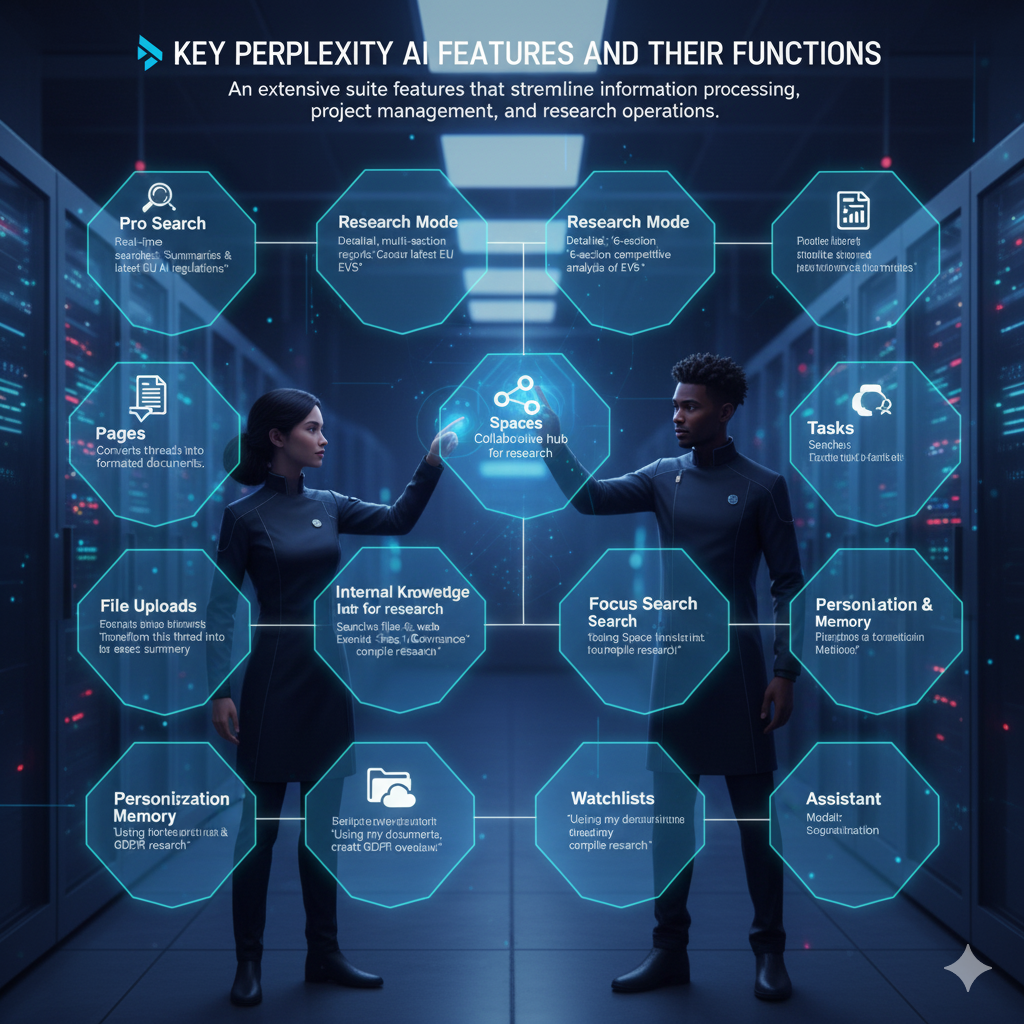
Perplexity AI is equipped with an extensive suite of features that streamline information processing, project management, and research operations. Below is an overview of the most impactful tools and how to use them.
1. Pro Search in Perplexity AI
Conducts real-time searches across verified sources and provides structured summaries.
Example Prompt:
“Summarise the latest updates on EU artificial intelligence regulations with sources.”
2. Research Mode in Perplexity AI
Generates detailed, multi-section, and citation-backed reports.
Example Prompt:
“Produce a six-section competitive analysis of the electric vehicle charging industry.”
3. Pages in Perplexity AI
Converts conversation threads into professionally formatted documents with organised sections.
Example Prompt:
“Transform this thread into a formal executive summary.”
4. Spaces in Perplexity AI
Functions as a collaborative hub for organising research materials, threads, and findings.
Example Prompt:
“Create a Space titled ‘AI Governance’ and compile all related research.”
5. Internal Knowledge Search
Searches both uploaded files and public web sources simultaneously, enabling hybrid answers.
Example Prompt:
“Using my uploaded documents and online references, create a GDPR compliance overview.”
6. File Uploads in Perplexity AI
Allows users to upload PDFs, audio, video, or datasets and query them directly.
Example Prompt:
“Compare the conclusions of these two reports and highlight key differences.”
7. Labs in Perplexity AI
Provides tools for generating dashboards, summaries, and structured automations.
Example Prompt:
“From the uploaded CSV file, create a performance dashboard and export the insights.”
8. Tasks in Perplexity AI
Schedules recurring notifications and automated summaries.
Example Prompt:
“Every Monday at 9 AM, summarise global AI policy developments.”
9. Focus Search in Perplexity AI
Filters search results by category, such as Web, Academic, Social, or Finance.
Example Prompt:
“Retrieve the most recent academic publications on quantum computing.”
10. Personalization & Memory
Stores user preferences to improve the relevance of future responses.
Example Prompt:
“Remember that I prefer reports in a bullet-point executive summary format.”
11. Watchlists
Monitors selected topics and sends updates as new information appears.
Example Prompt:
“Add Microsoft, Nvidia, and Apple to my technology watchlist.”
12. Connectors
Integrates external applications such as Gmail, Google Calendar, or WhatsApp for scheduling and communication tasks.
Example Prompt:
“Analyse my Gmail inbox and provide a summary of next week’s meetings.”
13. Assistant
Manages workflow items such as drafting emails, updating calendars, or organising tasks.
Example Prompt:
“Draft a professional email response and schedule the meeting for tomorrow at 10 AM.”
14. Model Selection
Allows users to choose the preferred AI model for text or image processing.
Example Prompt:
“Use Claude for the analytical report and FLUX for generating the accompanying graphic.”
Why Perplexity AI Is Essential in 2025
Perplexity AI has become a critical resource for those who require dependable information delivered efficiently. Key advantages include:
Real-time, reliable information
Backed by verified sources and continuous updates.
Significant time savings
Complex reports can be generated within seconds instead of hours.
Professional-grade research capabilities
Ideal for academics, analysts, and business professionals.
Seamless integration with major AI models
Users can switch between GPT-5, Claude, Gemini, and more.
Enhanced productivity
Features such as Pages, Spaces, and Labs streamline workflows and reduce manual effort.
Conclusion
Perplexity AI is a powerful tool that enhances research, writing, strategic planning, and decision-making. By understanding how to use its models and features effectively, you can dramatically increase your productivity and ensure that your work is informed, accurate, and well-structured.
This guide provides a complete foundation for mastering Perplexity AI in 2025. With the right prompts and tools, you can leverage the platform to transform your daily workflow and achieve higher levels of precision and efficiency.