
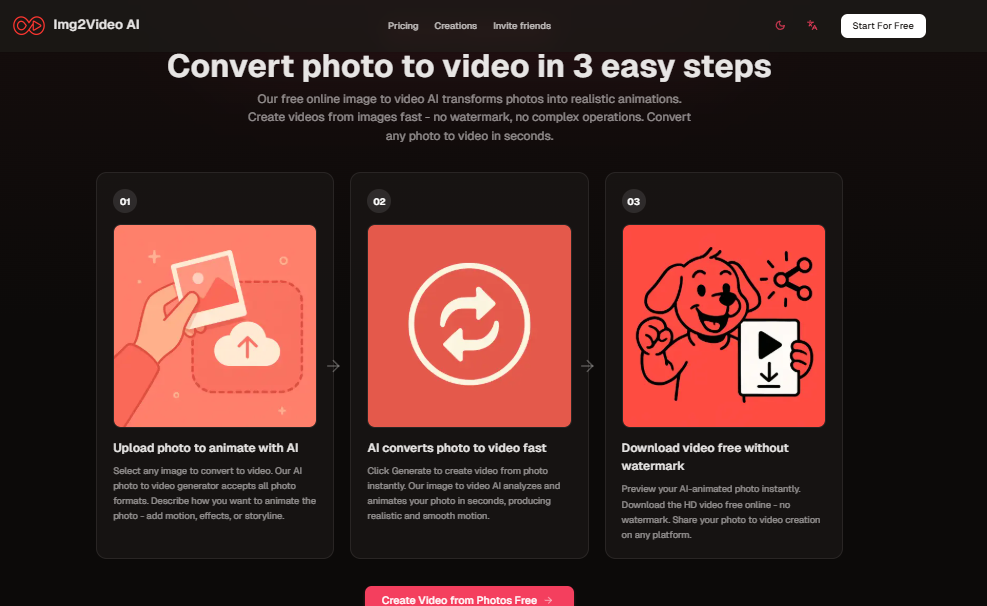
Img2Video AI photo animation makes it simple to bring your photos to life. In a digital age where video content rules the feed, this tool helps you turn still images into vivid, moving stories in just seconds. Whether you’re a content creator, marketer, or simply someone with old photos you want to revive, this tool has something for you.
What Is Img2Video AI?
Img2Video AI is a free online photo animation tool that allows users to transform static images into animated videos. You upload a JPG or PNG file (up to 20 MB), input a prompt to guide how the photo should move, and choose how many video versions you want. Img2VieoAI
Key features include:
- Multiple AI models (V1, V2, Veo3) for different levels of quality and complexity.
- No watermark on videos, important for sharing or commercial use.
- Fast processing, so you see results in seconds.
- Ability to download in HD and share across platforms.
How It Works: Step-by-Step
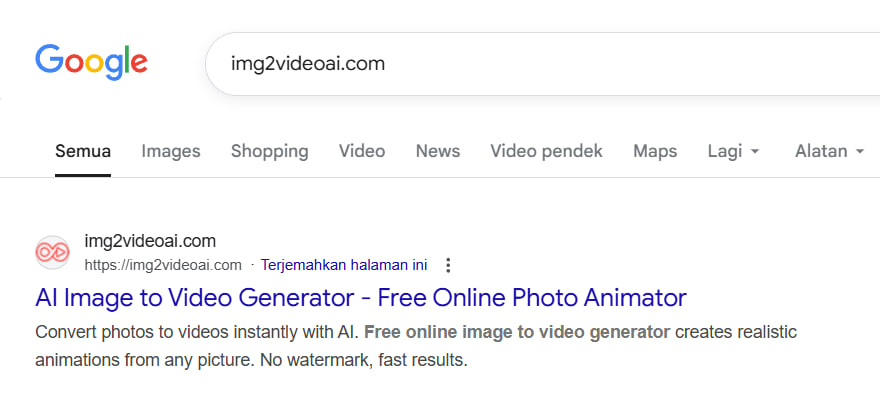
1. Search img2video.ai.com
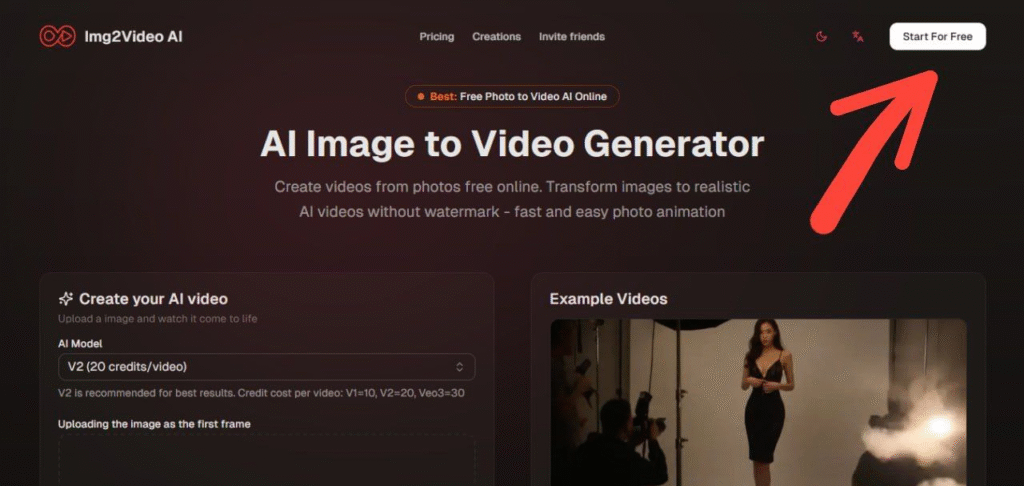
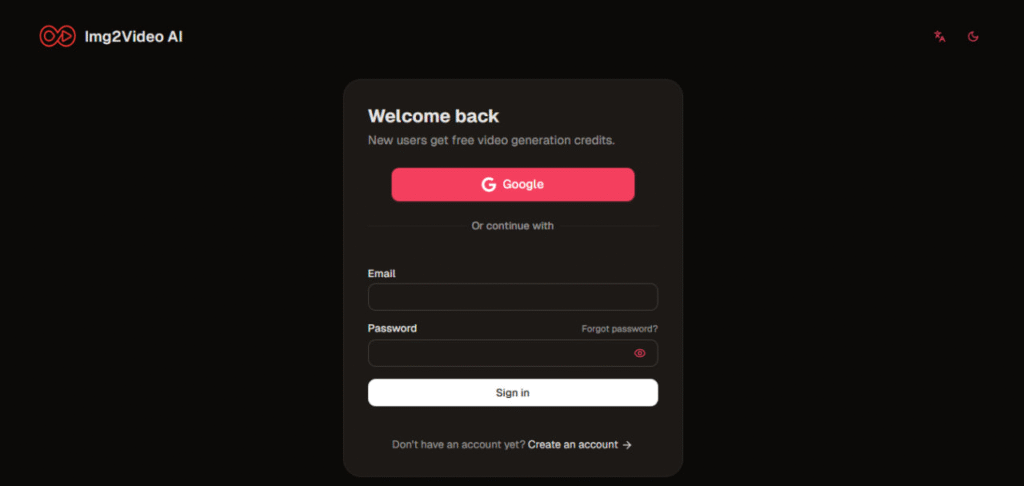
2. Click Start For Free and Sign Up Using Your Email Account.
3. Upload Your Photo
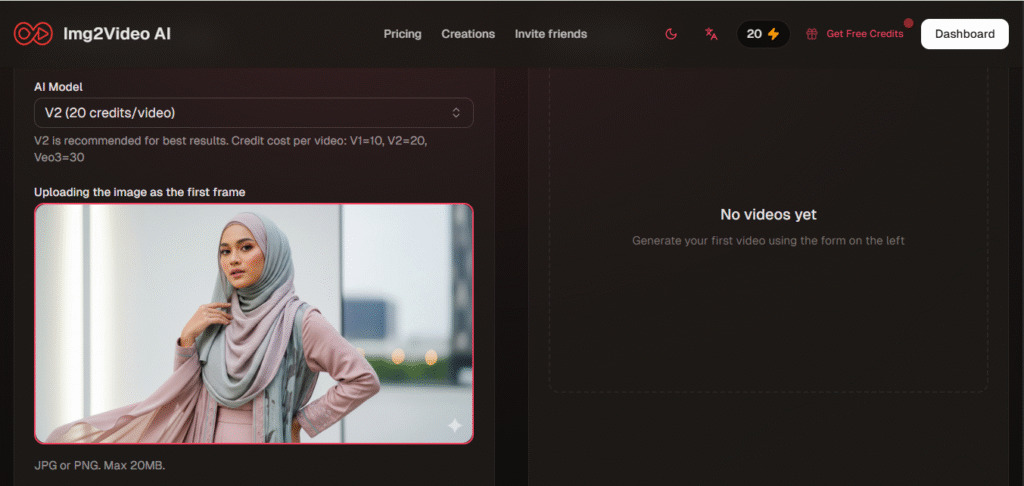
JPG or PNG under 20 MB. Pick a photo you want animated.
4. Enter a Prompt and Click Convert Image to Video.

Describe what motion or animation you want: blink, turn, pan, lighting effects, etc. Up to 300 characters.
5. Click Download Video & Share
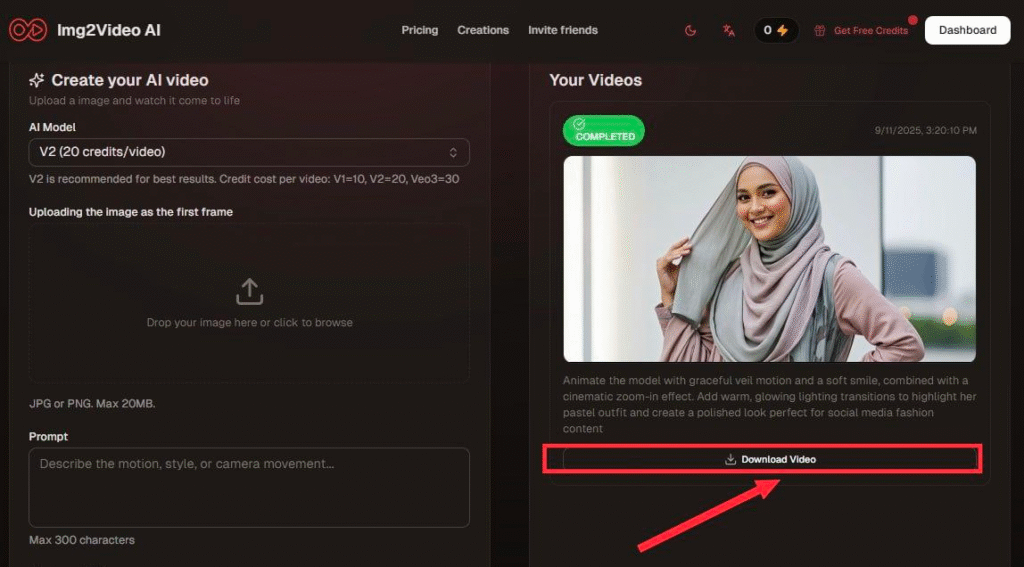
Once satisfied, download your video (HD, no watermark). Great for social media, memory-preservation, marketing uses.
Best Uses & Ideas
- Reviving old family photos
Bring vintage portraits to life with blinking eyes, subtle movements, or lighting effects. - Promotional material
Use product shots or pack-shots and animate them to catch attention on Instagram, TikTok, or websites. - Creative content / Memes
Add motion and expression to cartoons or memes to boost their shareability. - Portfolio / Art projects
Great for artists wanting to show their work in motion, or photographers looking to add dynamic value.
Pricing & Plans
Img2Video AI offers several plans depending on your usage:
| Plan | Credits / Month | Best For | Price* |
|---|---|---|---|
| Free | 20 credits | Casual users, trying it out | $0/month |
| Starter | 200 credits | Personal use, more frequent usage | $5.99/month |
| Professional | 500 credits | Commercial use, creators, small businesses | $11.99/month |
| Business | 1,200 credits | Teams, regular high-volume use | $23.99/month |
*All plans support the higher end models (V2, Veo3) except that some free-plan restrictions apply.
Pros & Cons
Pros:
- No watermark, even with the free version, rare for free tools.
- Fast results: great for social media / content on the go.
- Multiple styles/models give flexibility.
- Low-barrier to entry: just upload, prompt, animate.
Cons:
- Free plan has limitations: fewer credits, possibly lower-quality models.
- Video length is limited (usually 5 seconds for many plans).
- Animations are only as good as the prompt and the photo: poor lighting, low resolution, busy backgrounds may lead to less convincing results.
Tips for Best Results
- Use high-resolution photos with clear subjects (faces are good).
- Keep prompts concise but descriptive: mention motion (blink, turn, lighting) and mood.
- Use photos with clean lighting & minimal background clutter.
- Try multiple variations to see which style/model captures the best effect.
Conclusion
Img2Video AI is a powerful tool for anyone who wants to animate photos quickly, affordably, and with minimal effort. Its ease of use, combined with strong output quality and no watermark requirement, makes it stand out in the photo-to-video space. If you’re just looking to revive old memories, up your social media game, or produce short creative videos this could be an excellent addition to your toolkit.